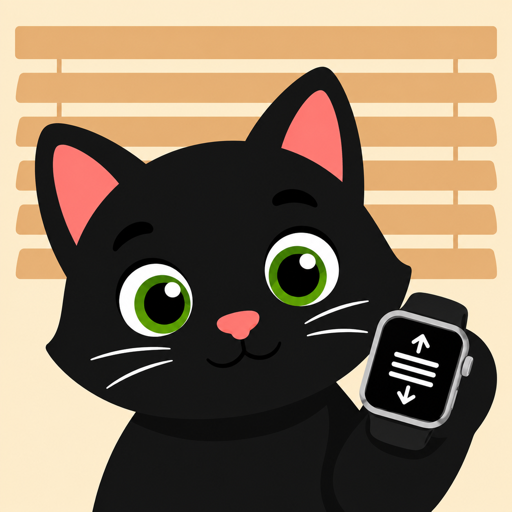
Crown = slats
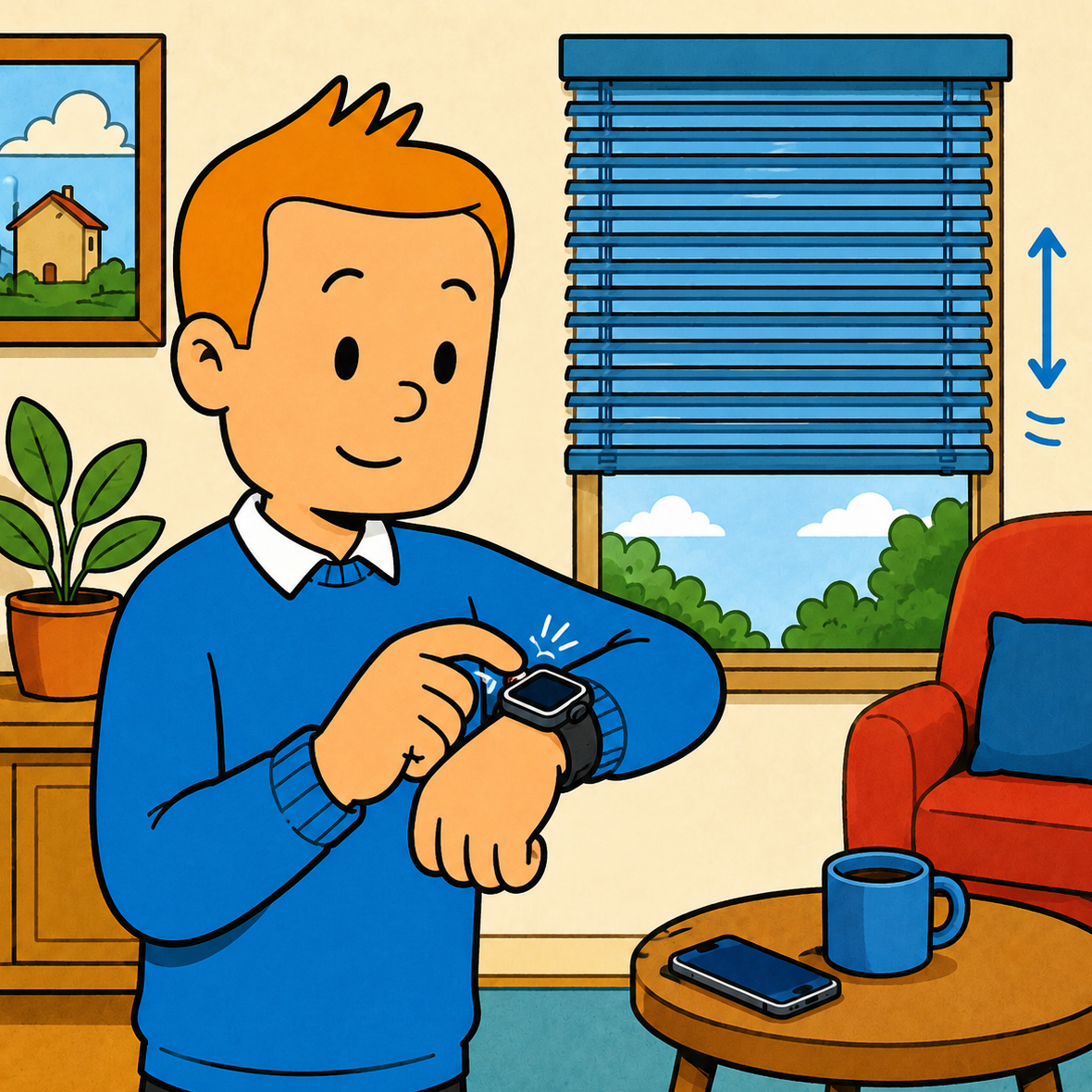
Rotate the Digital Crown to tilt slats from open to fully closed. Haptic feedback at every stop.
For Apple Watch
Control your exterior venetian blinds straight from Apple Watch — using the Somfy TaHoma, Connexoon or Cozytouch box you already own. Tilt the slats with the Digital Crown, drag down to close. No iPhone needed at runtime, just the watch and your home Wi-Fi.
$0.99 · One-time purchase, no subscription
Meet Slatly
Just the Apple Watch. The crown tilts the slats, a swipe closes them. No remote, no phone.
Built for the wrist
Rotate the Digital Crown to tilt slats from open to fully closed. Haptic feedback at every stop.
A vertical swipe sets exact closure 0–100%. Closure and tilt commit together, one command, one motor cycle.
"Morning", "Shade", "Night". Save multi-blind presets and run them with a single tap. Edit on iPhone, run from the wrist.
After the first sign-in, the watch talks to your TaHoma box through the Somfy cloud directly. Your iPhone stays home; the blinds still answer.
A whole house at a glance
List every blind paired with your TaHoma box, themed with the colour you actually have on your house. Open the All view to crown-control every blind in the room in parallel. Stop, My, set tilt, they all answer.
Setup in under a minute
 1
1
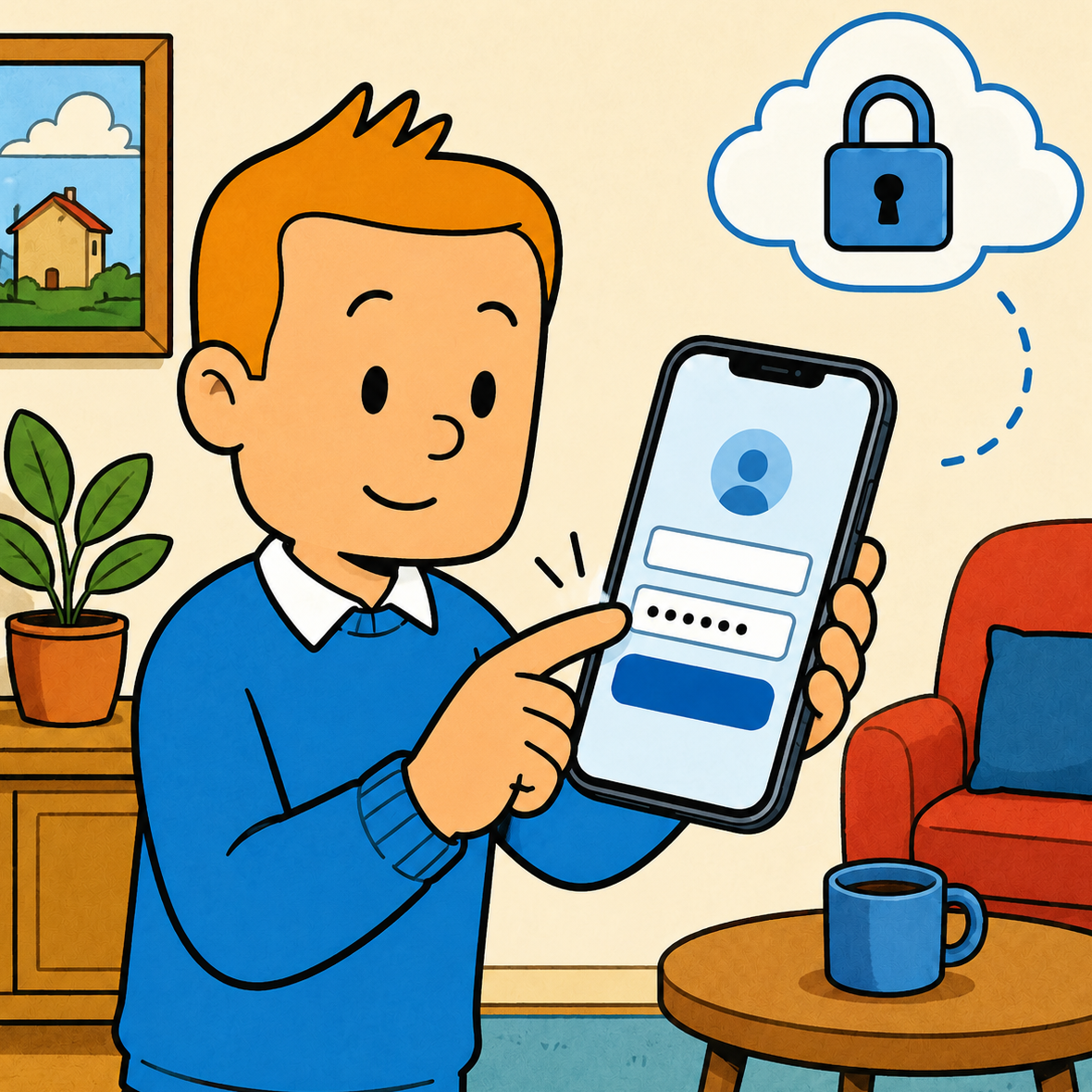
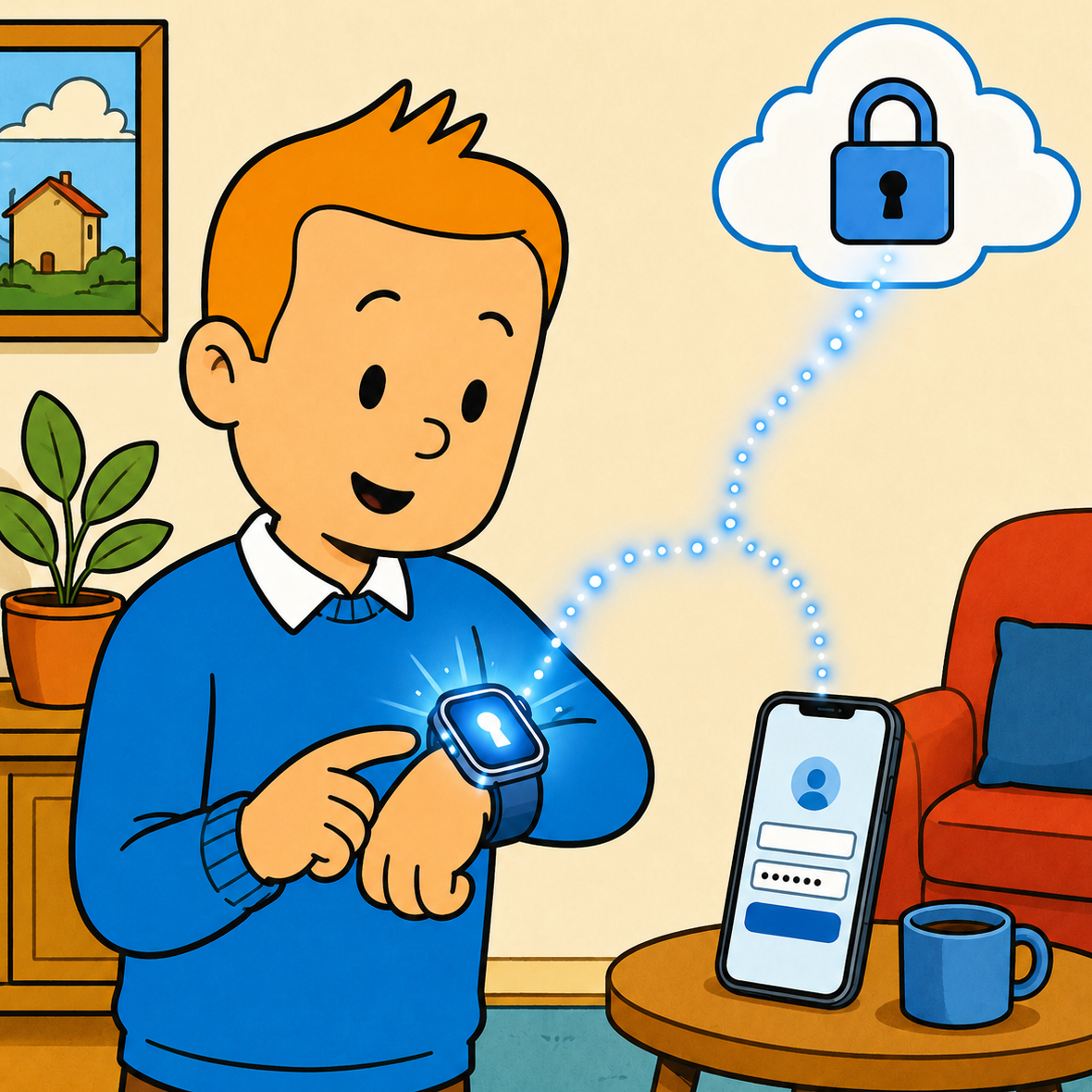
Open Slatly on your iPhone, enter your Somfy / TaHoma / Connexoon account. They never leave your device unencrypted.
 2
2
Credentials travel through iCloud Keychain to your paired Apple Watch, usually within seconds. No extra pairing required.
 3
3
From here on, the watch talks to the Somfy cloud directly over LTE or Wi-Fi, which then relays commands to your TaHoma box at home. Free your hands; the blinds answer to your wrist.
At a glance
After first sign-in, the Apple Watch talks to the Somfy cloud directly. No iPhone tether, no local hub, no Bluetooth proximity required.
No new hardware, no second app on your phone. Slatly drives the same Somfy Connexoon, TaHoma or Cozytouch box that already controls your blinds.
Full Swift source on GitHub. No analytics, no tracking, no servers — credentials live only in iCloud Keychain under your Apple ID.
EN, CS, DE, FR, ES — each language is a pre-rendered URL with its own meta, structured data and on-page copy.
Good to know
Any motorised exterior venetian blind paired with a Somfy TaHoma, Connexoon or Cozytouch box — Somfy itself, plus io-homecontrol / RTS partner brands (Profalux, Asio, Eltako and others your box already supports). If they show up in the Somfy / TaHoma app, Slatly will see them.
Only the first time, to sign in. After credentials sync via iCloud Keychain (or via the built-in Watch hand-off), the Watch app runs fully standalone over LTE or Wi-Fi.
No new hardware. Slatly reuses the Somfy TaHoma, Connexoon or Cozytouch box that already controls your blinds. No bridge, no second hub.
In Apple's iCloud Keychain, end-to-end encrypted under your Apple ID. The app itself never sends them to any third party, only to Somfy's official OAuth endpoint.
Yes. The Swift code, the OverkizKit library, and this website are all on GitHub. Contributions and translations are welcome.
Yes — Slatly is live on the App Store for $0.99. One-time purchase, no subscription.
Yes, that's exactly what Slatly is built for. After a one-time iPhone sign-in, the Watch app runs fully standalone over LTE or Wi-Fi. Your iPhone can be downstairs, off, or out of Bluetooth range.
Slatly is purpose-built for the Somfy ExteriorVenetianBlind class on Connexoon, TaHoma and Cozytouch boxes — and it's the only third-party watchOS app that drives them standalone, without proxying every command through the iPhone.
Slatly focuses entirely on the Apple Watch experience: real Crown-driven slat tilt, drag-to-closure gestures and standalone operation without the iPhone. The Somfy app remains useful for box setup and firmware updates; Slatly is the daily driver from your wrist.
Why we built it
You have motorised blinds. You have an Apple Watch. The only thing missing is the easy way between them. Slatly is the easy way — twist the crown, see the world (or close it back).
Get Slatly on your Apple Watch and never reach for the wall switch again.